Why job seekers need a tracker
A modern job search rarely happens in one place. Applications can start on LinkedIn, Indeed, company career sites, recruiter emails, referrals, and applicant tracking systems.
A tracker helps you see what you applied to, which roles need a follow-up, where interviews or assessments are pending, and which opportunities ended in offers or rejections.
What makes a good free job application tracker
The best free job application tracker is not always the one with the most fields. It is the one that stays accurate while requiring the least effort to maintain.
At a minimum, a free tracker should help you organize applications, interviews, assessments, offers, rejections, reminders, and follow-ups without making the system feel like a second job.
- Simple status tracking for each application
- Interview and assessment visibility
- Follow-up reminders or clear next-action notes
- Room for company, role, date, source, and latest update
- A workflow you can keep using throughout a long search
Spreadsheet trackers
Spreadsheets are the most common free job application tracker because they are flexible and familiar. You can create columns for company, role, date applied, status, salary range, recruiter, follow-up date, and notes.
The drawback is maintenance. Every confirmation, interview request, rejection, assessment, and offer has to be entered by hand. For a small search, that may be fine. For a high-volume search, spreadsheets often fall behind your inbox.
Notion-based trackers
Notion-style trackers are useful if you want a more visual system. You can build tables, boards, templates, notes, and interview prep pages around each opportunity.
They work best for job seekers who already like managing projects in Notion. They are less ideal if your main problem is remembering to update the tracker after every hiring email.
Dedicated application tracking tools
Dedicated trackers are built specifically for job searches. They usually provide status categories, application timelines, reminders, and a more focused workflow than a generic spreadsheet.
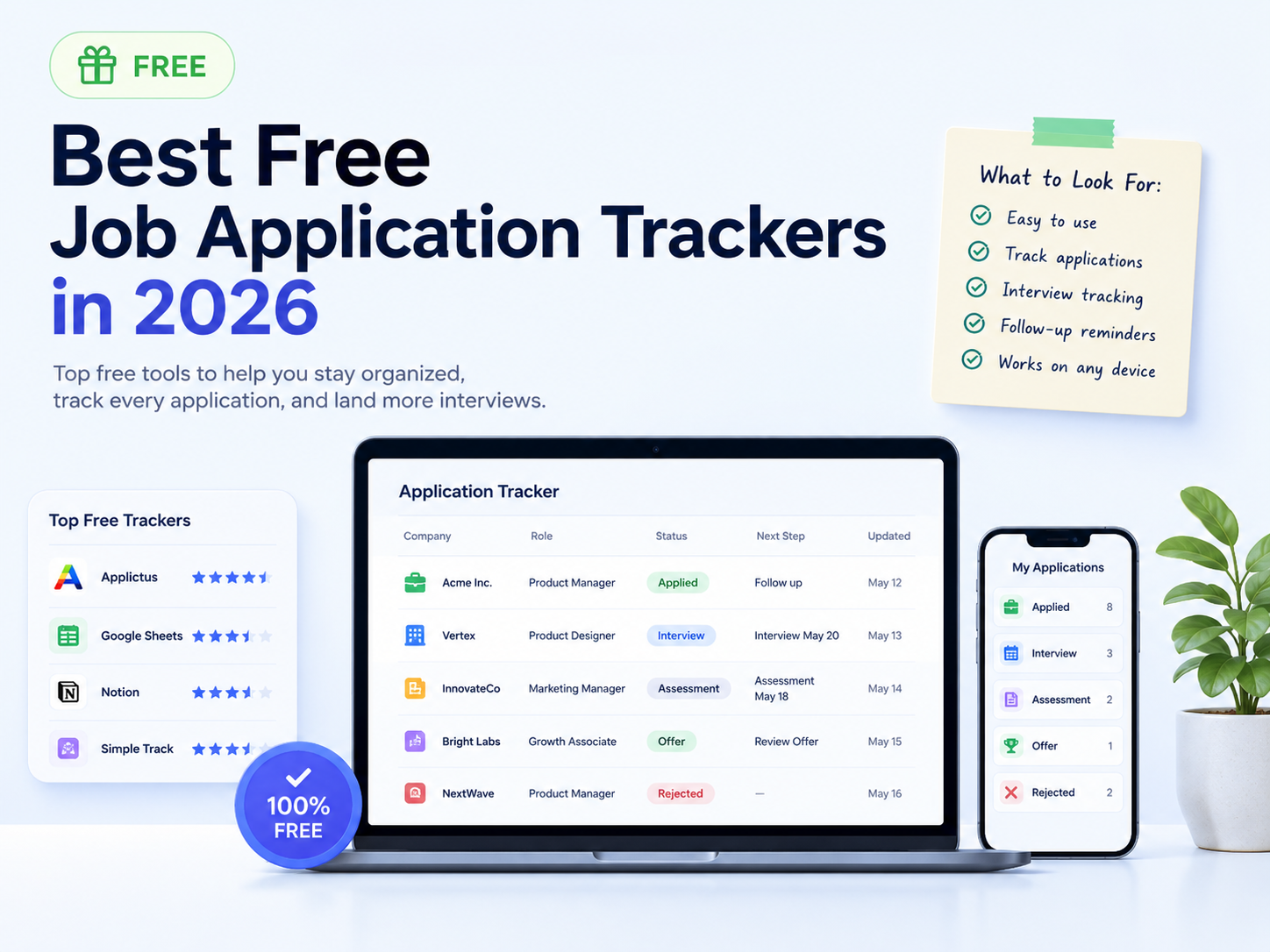
Applictus is one option in this category. It focuses on automatic, inbox-powered tracking: after setup, job-related emails can become application timeline updates without granting full Gmail inbox access.
Features to look for in 2026
In 2026, the strongest free job search trackers should support more than a basic applied/not applied list. Hiring workflows often include assessments, recruiter screens, panel interviews, take-home assignments, offers, rejections, and long periods with no update.
Look for a tracker that makes those stages visible, keeps recent activity easy to scan, and helps you decide what to do next.
- Application timeline or activity history
- Interview, assessment, offer, and rejection statuses
- Follow-up and reminder support
- Low-friction updates from email or quick entry
- Privacy controls that match how much data you want to share
Choosing the right tracker for your workflow
Choose a spreadsheet if you want total control and only need a lightweight list. Choose a Notion tracker if you want a customizable workspace for notes, prep, and planning.
Choose a dedicated tracker if you want less manual upkeep and a cleaner view of the hiring process. If your job search updates mostly arrive by email, an automatic tracker like Applictus can help keep applications, interviews, offers, and rejections organized with less copying and pasting.